Free · runs in your browser
Free guitar practice tools
Fretwork brings the tools you practise with into one place: learn the fretboard, write and play tab, tune up, nail your chord changes and train your ear. Free, in your browser, and you can try everything without signing up.
Every tool, free
They work together: practice time from every tool adds up in your stats.
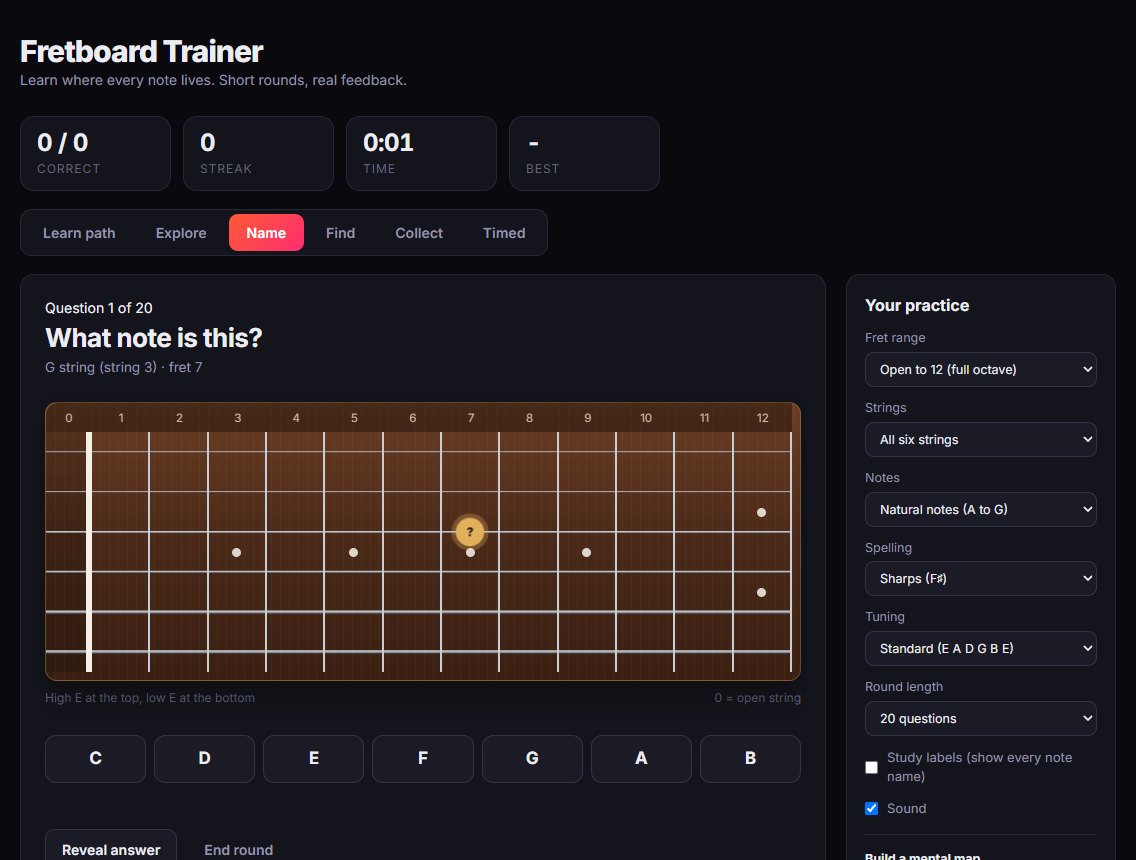
Fretboard trainer
Learn every note on the neck with a learn path, name and find drills, and a timed mode. More about it.
Tab editor
Write tab, hear it play, open and export Guitar Pro files. More about it.
Tuner
Tune with your microphone in eight tunings. More about it.
One minute changes
Time your chord changes and beat your best for every pair. More about it.
Chord library
26 open chords you can hear, with fingers, notes and tips. More about it.
Strumming trainer
Follow down and up strum patterns in time with a click over a chord progression, with a speed-up trainer.
Ear training
Short rounds: which string, major or minor, higher or lower, and common intervals.
Practice routine
A daily plan with a timer that moves you from warm-up to chords, strumming and songs.
Stats and badges
Practice time, streaks and badges, so you can see your practice adding up week by week.
Made for practising, not scrolling
Fretwork is built around short, focused practice. Open a tool, do a round, and see your practice time add up. There are no adverts, and nothing to install: it runs in any modern browser on a computer, tablet or phone, and you can add it to your home screen so it opens like an app.
Try any tool as a guest. When you want Fretwork to remember your progress, scores, tabs and favourite songs, create a free account. Members can also join the community forum and share recordings of their playing.
How to get started
It takes about a minute, and you can try everything before deciding whether you want an account.
- Open FretworkThe dashboard shows every tool. No download and no sign-up to try.
- Pick a toolTune up, then try a fretboard round or a minute of chord changes.
- Make it a habitSet a practice routine and watch the minutes add up. Create a free account when you want Fretwork to remember your progress.
Questions
The things people ask before trying it.
Is Fretwork free?
Yes. All the practice tools are free to use, with no adverts.
Do I need to download anything?
No. Fretwork runs in your web browser. On a phone you can add it to your home screen so it opens like an app.
Do I need an account?
No, you can try every tool as a guest. Create a free account when you want your progress, scores and tabs to be kept.
Is it for beginners?
Yes. The chord library, one minute changes, strumming trainer and fretboard learn path are all aimed at players in their first year or two, and the tab editor and tuner are useful at any level.
Does it work on my phone?
Yes, on phones, tablets and computers. Writing tab is easiest on a computer with a keyboard.
Read more about each tool
Each tool has its own page with the details.
Pick up your guitar
Open Fretwork and try a tool. It takes less than a minute to start.
Open Fretwork